Accessibility
A puzzle game should be playable by everyone. Here is what Samuraiku supports today, and how to reach us when something falls short.
Dark Interface
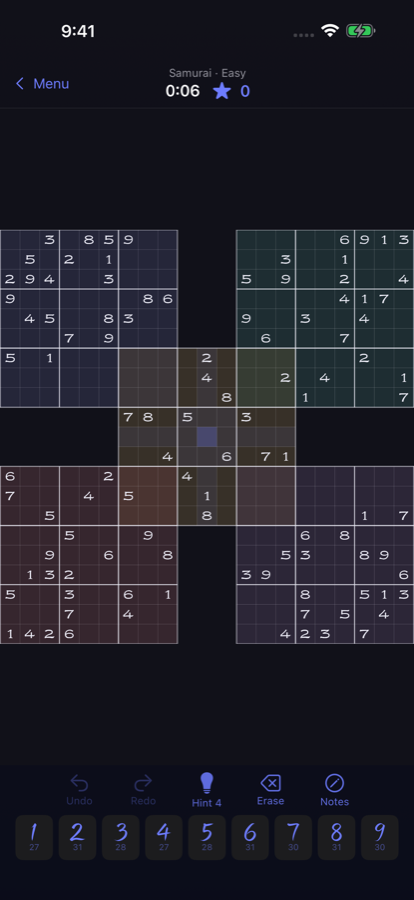
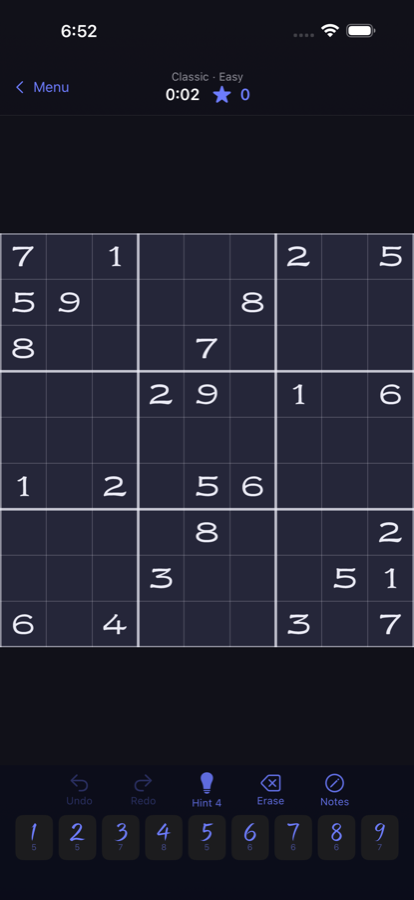
Samuraiku fully supports the system dark appearance. Every screen, from the board to the settings, follows your device setting with a palette designed for low-light play.
Differentiate Without Color Alone
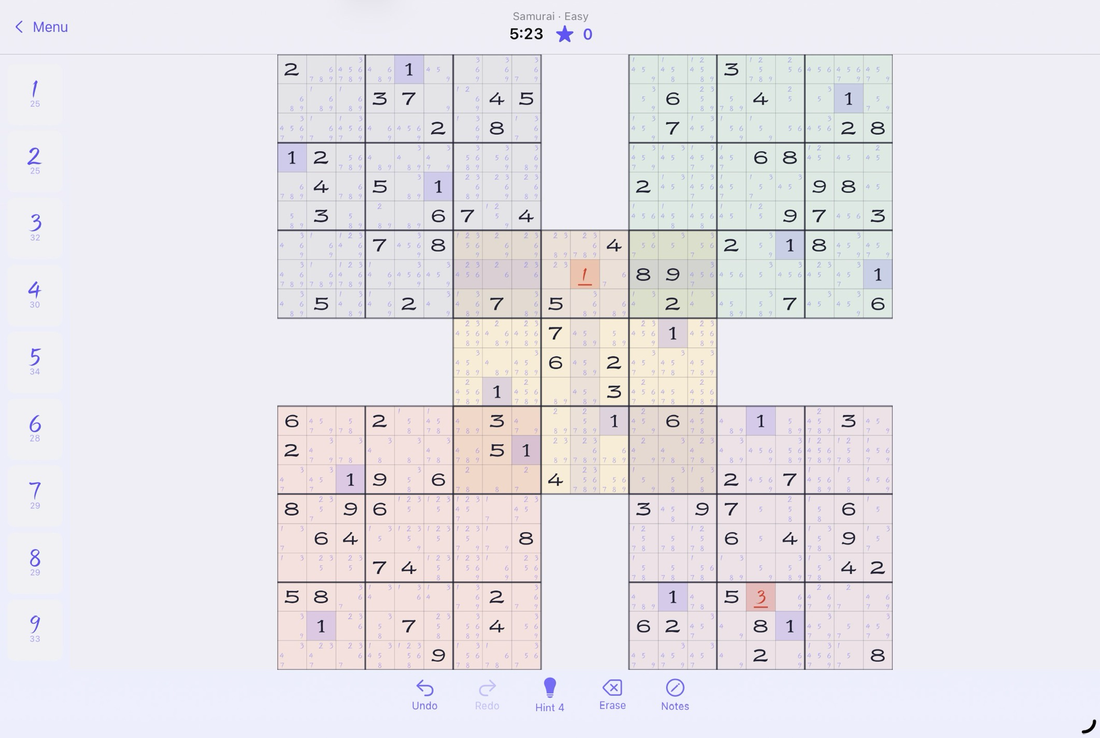
With the system Differentiate Without Color setting on, conflicting digits are marked with a strike beneath the digit rather than color alone, so mistakes are visible regardless of how you perceive color.
Sufficient Contrast
Samuraiku includes a High contrast option (Settings > Appearance) with bolder notes, digits, and grid lines. It also turns on automatically when the system Increase Contrast setting is enabled.
Reduced Motion
With the system Reduce Motion setting on, celebration effects such as confetti and the combo badge animation are disabled. Solving feedback stays; the motion goes.
VoiceOver
The whole game plays with VoiceOver: every cell announces its position and contents ("Row 3, column 5. 7, clue"), the number pad reports how many of each digit remain, and conflicts are called out as you navigate. Samurai boards navigate cell by cell, including the overlapping corner boxes.
More on the way
Deeper Dynamic Type support for the board's display fonts is being worked on for a future update.
See it
Tell us what you need
If an accessibility barrier keeps you from enjoying Samuraiku, write to support (at) samuraiku.com. Accessibility reports go to the top of the list.